Photograph the home
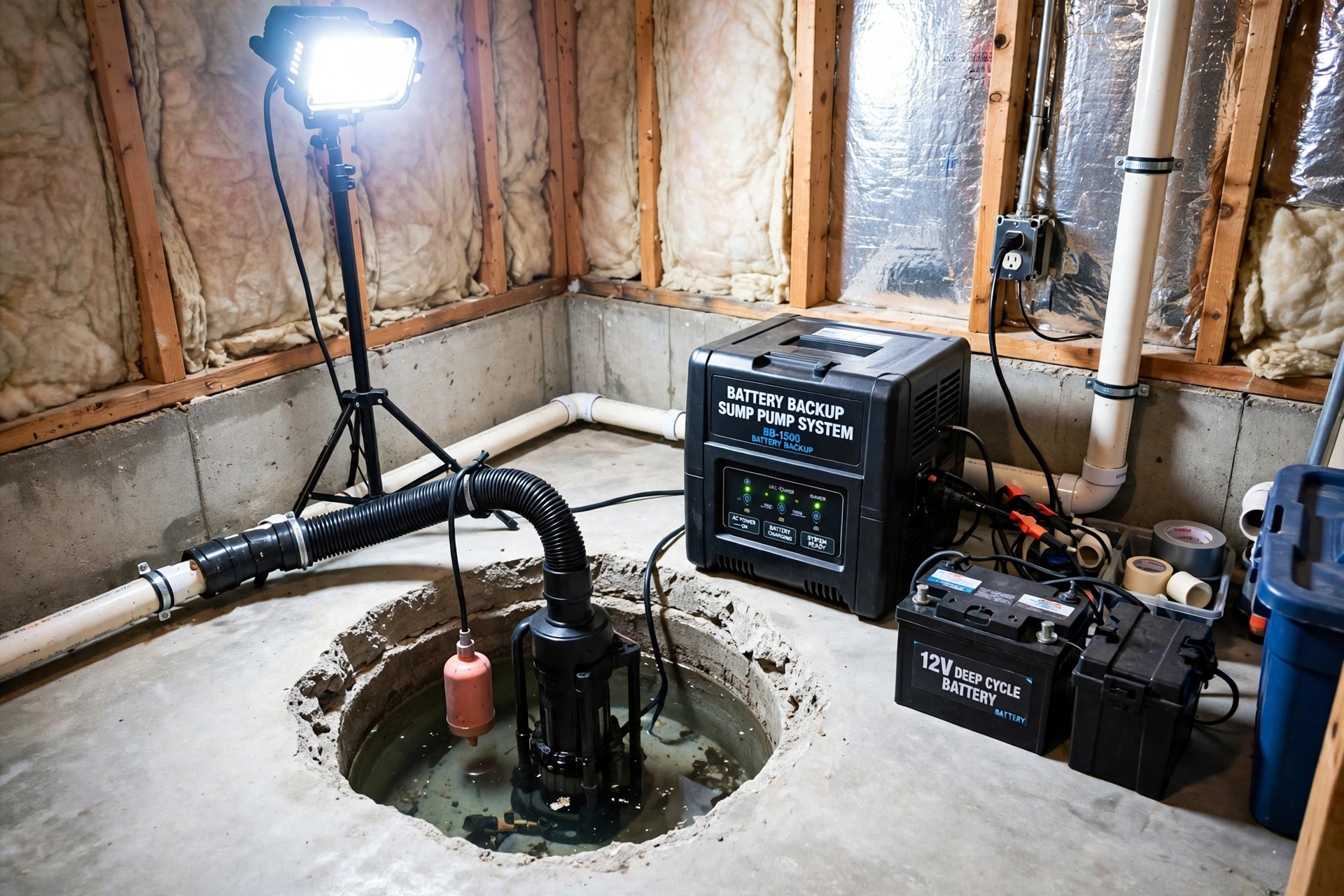
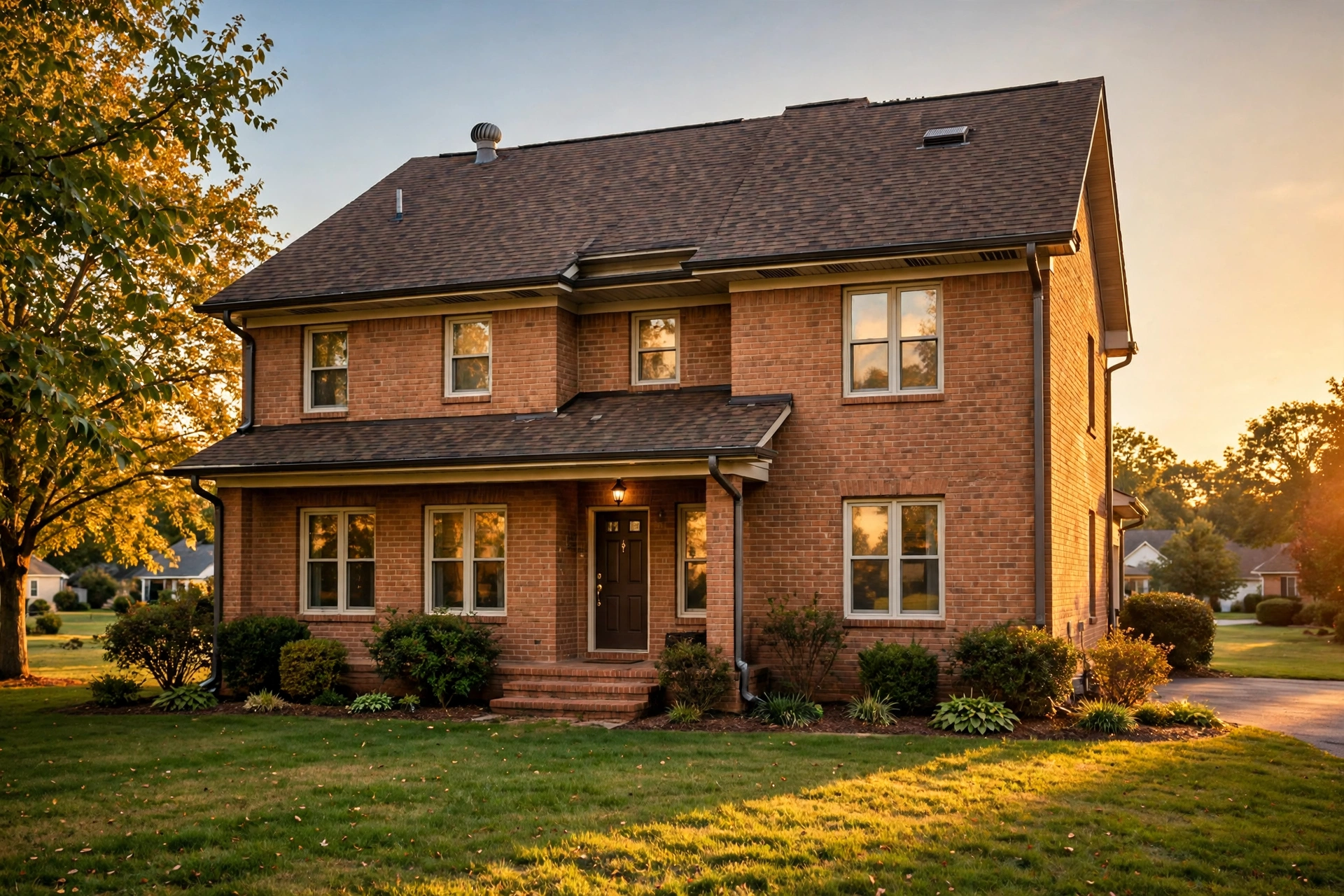
Follow simple prompts for kitchens, bathrooms, roof views, exterior walls, basement conditions and anything that concerns you.
A friend sent you — they documented their home with HomeCheck and thought you'd want the same picture of yours. If you join and pay, they earn a free month of HomeCare. Your price is the standard price — no code to enter, nothing changes at checkout.
 Brought to you by MAI
🎄 Holiday special through New Year's Eve: the HomeCheck bundle is $49.99 (save $40 vs. the report and HomeCare bought separately) — and take another $10 off with code HOLIDAY at checkout. Ends Dec 31. Give it as a gift →
Residential · Whole-home planning
Whether you already own or are about to buy, photograph your home’s Big Three — HVAC, plumbing, and electrical — plus your major appliances, and the kitchen, bathrooms, roof, exterior and basement. HomeCheck turns those photos into one report: a Home Score, a map of your breaker panel, and repair costs priced for your area — reviewed by a real mechanical professional before it reaches you. And your home’s file stays yours: export it anytime, and we never delete it.
Built by licensed mechanical contractors
The only living Home ✓ Score

Watch / How it works
The two-minute walkthrough: the guided photo scan of your home’s systems, your Home Score and report, and the living home file that keeps it all on record.
What gets documented
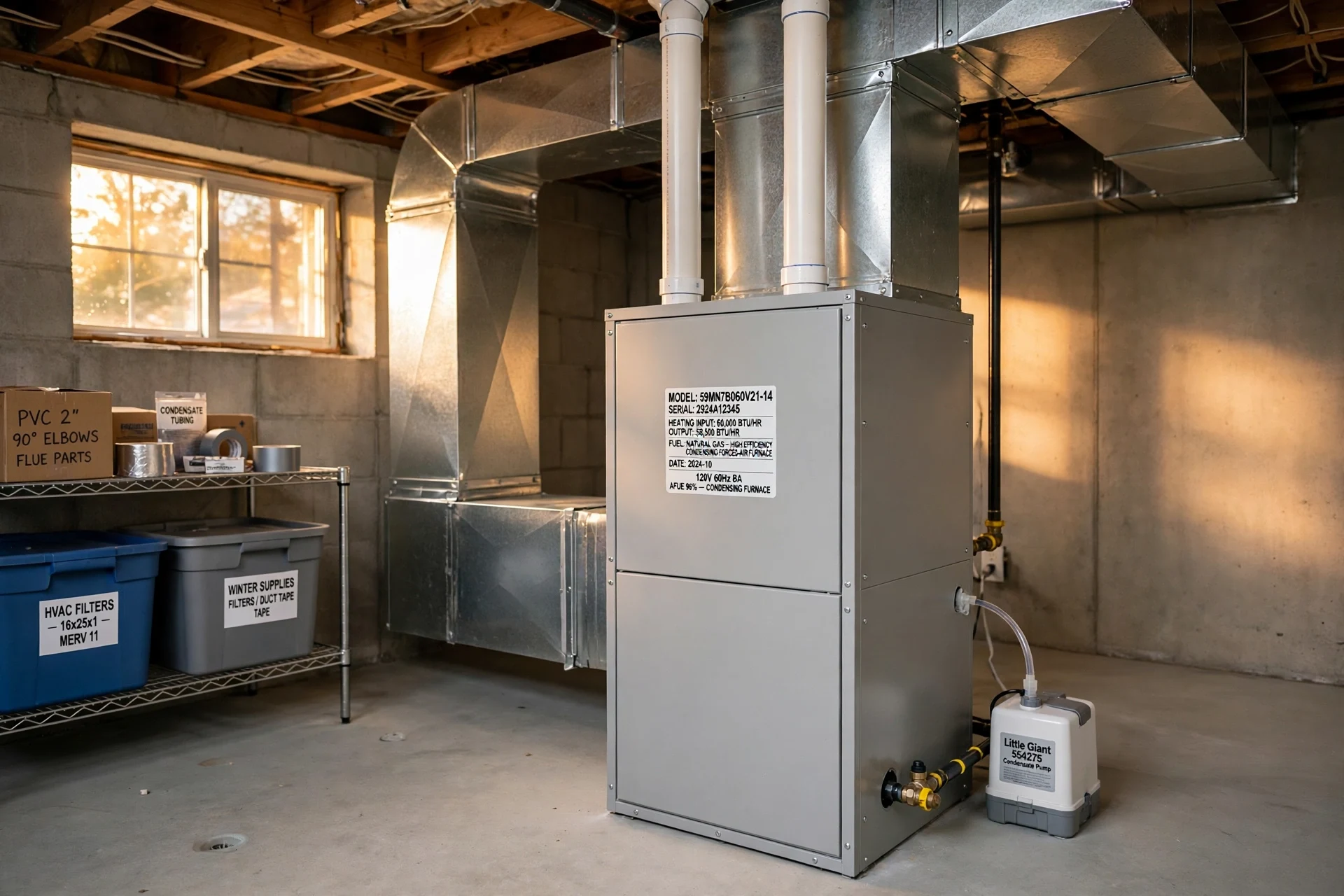
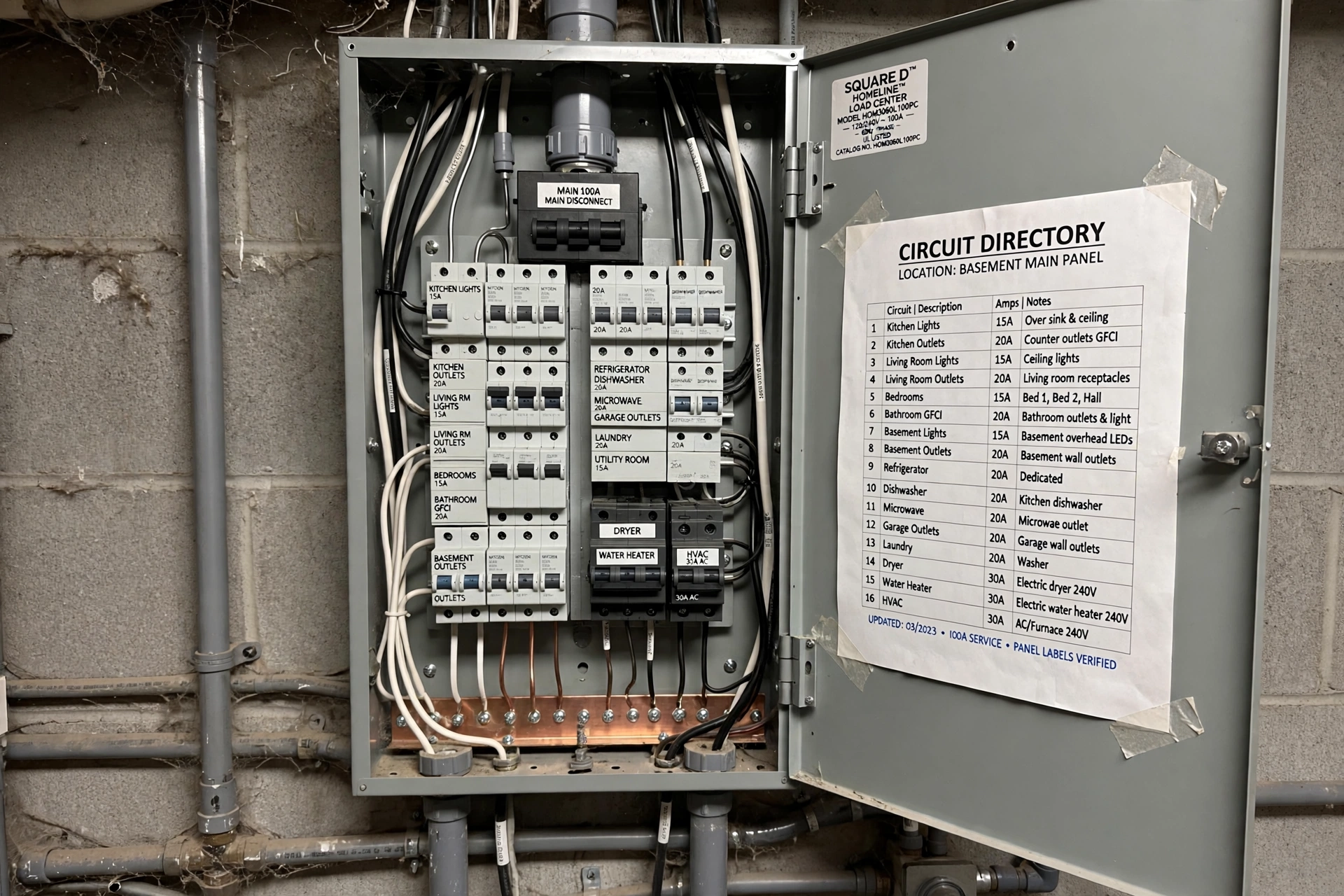
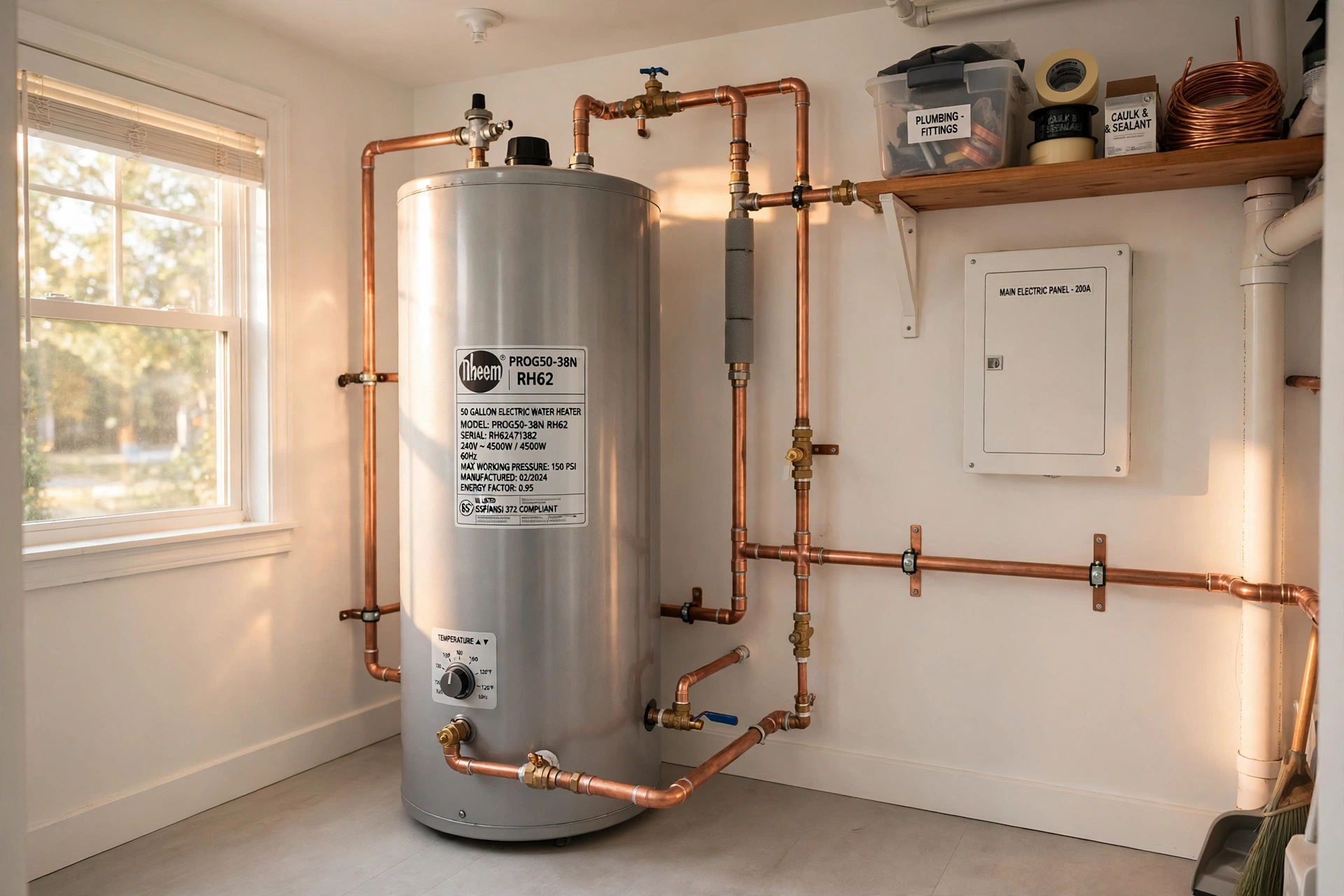
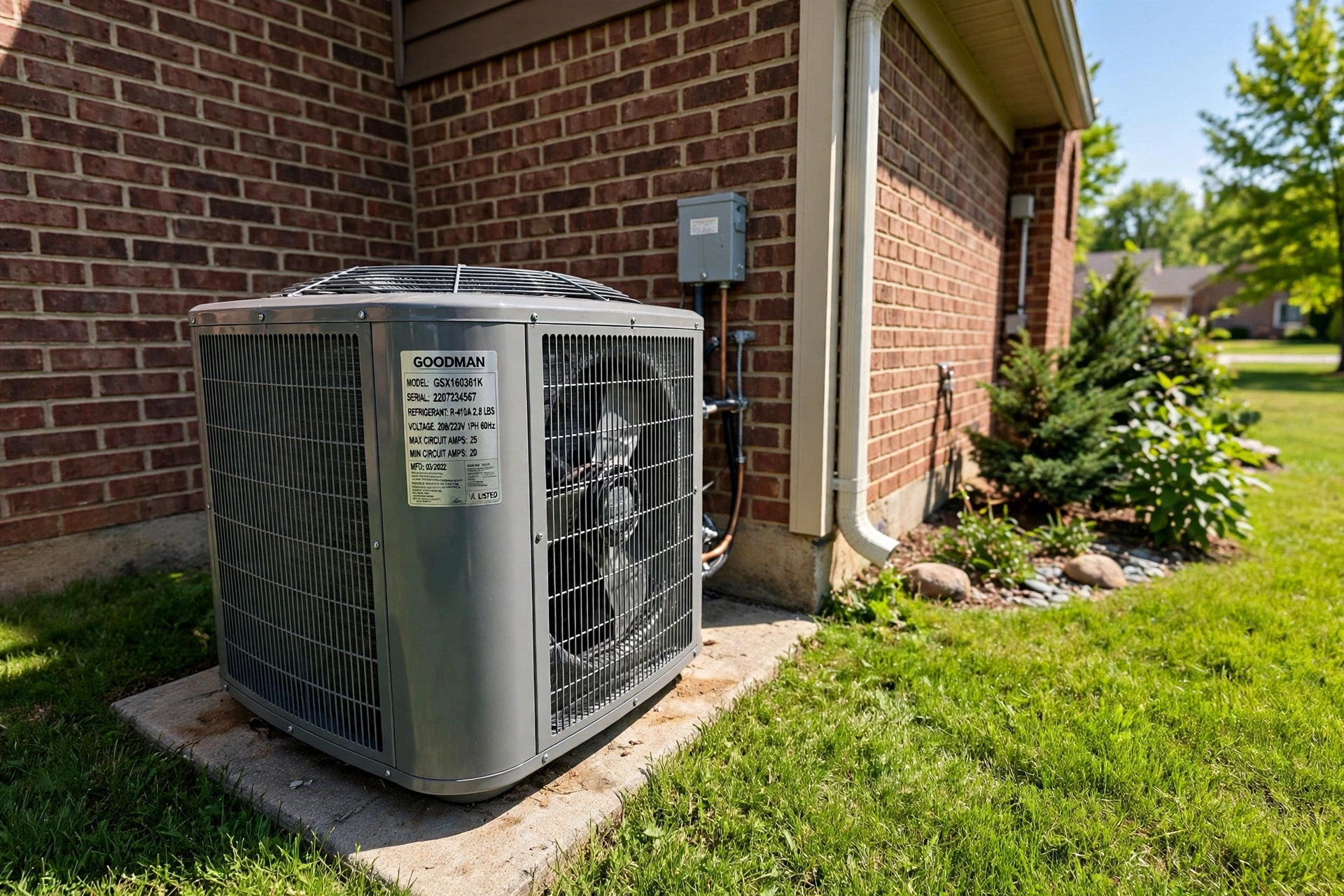
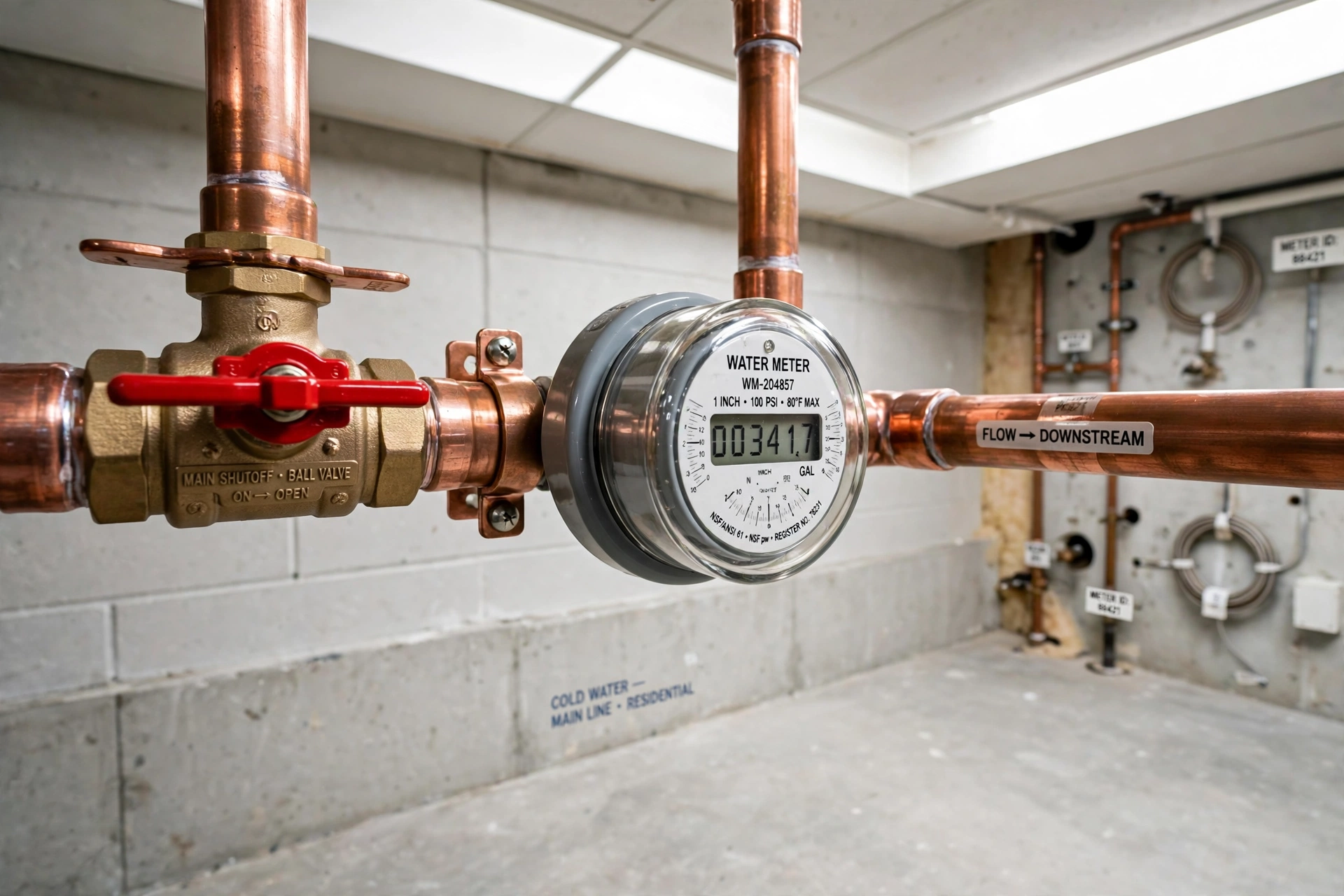
These are the views HomeCheck asks for. Each photo becomes part of the home’s living file — nameplates read, ages recorded, and maintenance kept on schedule by HomeCare.

How it works
No construction or mechanical background required. HomeCheck guides you through the right views of each area, reads equipment details, and organizes the visible evidence into one homeowner-friendly report.
Follow simple prompts for kitchens, bathrooms, roof views, exterior walls, basement conditions and anything that concerns you.
Add clear views and nameplates for the furnace, AC, water heater and electrical panel so the report keeps the equipment picture intact.
AI organizes your photos and reads the nameplates, and a professional reviews your file before your report is delivered — visible needs become repair and upgrade priorities with planning ranges, maintenance direction and questions for qualified local pros.

Inside your HomeCheck
Explore the planned report sections. Exact observations and planning ranges will depend on the photos, property details and information you provide.
01 / Essential systems
HomeCheck organizes the visible identity and role of the furnace, AC, water heater and electrical panel so you are not starting from scratch when questions arise.
02 / Whole-home scan
Photos of key spaces and surfaces become plain-language observations, giving you a focused starting point for professional follow-up.
03 / Budget outlook
HomeCheck turns visible scope into early planning ranges for repairs and upgrades, helping you decide where local quotes and professional evaluation matter most.
04 / Maintenance guidance
Get a straightforward maintenance starting point based on the equipment information you provide and available manufacturer guidance.
Why it matters
Buying a home is already a major financial commitment. A house can look move-in ready while a worn roof, dated kitchen, tired bathrooms, basement concerns or aging mechanical equipment are waiting behind the asking price. HomeCheck helps bring those visible needs together early, so you can plan instead of being blindsided.
Own rental homes?
We’re building Portfolio HomeCheck for landlords — one account for every property, with a file and Home ✓ Score for each home. It’s in development now.
Buying a home?
Found the one? The Pre-Purchase Edition documents a single home’s systems before you buy — real equipment ages, a Home ✓ Score, and replacement costs priced for that home’s market.
Good to know
No. MAI HomeCheck is an informational tool based on the photos and details you provide. It does not replace an in-person inspection, diagnosis, code review, or advice from a licensed professional.
HomeCheck covers guided photos of kitchens, bathrooms, roof views, the exterior and basement, along with the furnace, AC, water heater, electrical panel and other visible home equipment. Supported areas are listed in the upload guide.
The report is intended to provide early planning ranges based on the visible scope and available local context—not a quote or binding estimate. Pricing varies by location, materials, hidden conditions and contractor, so qualified local estimates remain essential.
No. A photo cannot reveal hidden conditions or replace physical testing. HomeCheck will clearly separate what can be observed from what should be checked by a qualified person.
Free inventory apps store what you type in by hand — and some are paid for by the agents and contractors they market to you. HomeCheck is a report, not a subscription app: AI reads your equipment nameplates, a professional reviews the result, and you get a Home Score, a breaker panel map, and repair costs priced for your area. The report itself is a one-time purchase — HomeCare, the optional $29.99/yr plan, is what keeps it alive — and nobody pays us to steer you.
It stays in your private HomeCheck file. You can export it anytime, we never sell identifiable information about your home, and we never delete your record — if you ever stop using HomeCheck, your file goes with you.
MAI HomeCheck is open — start yours today.